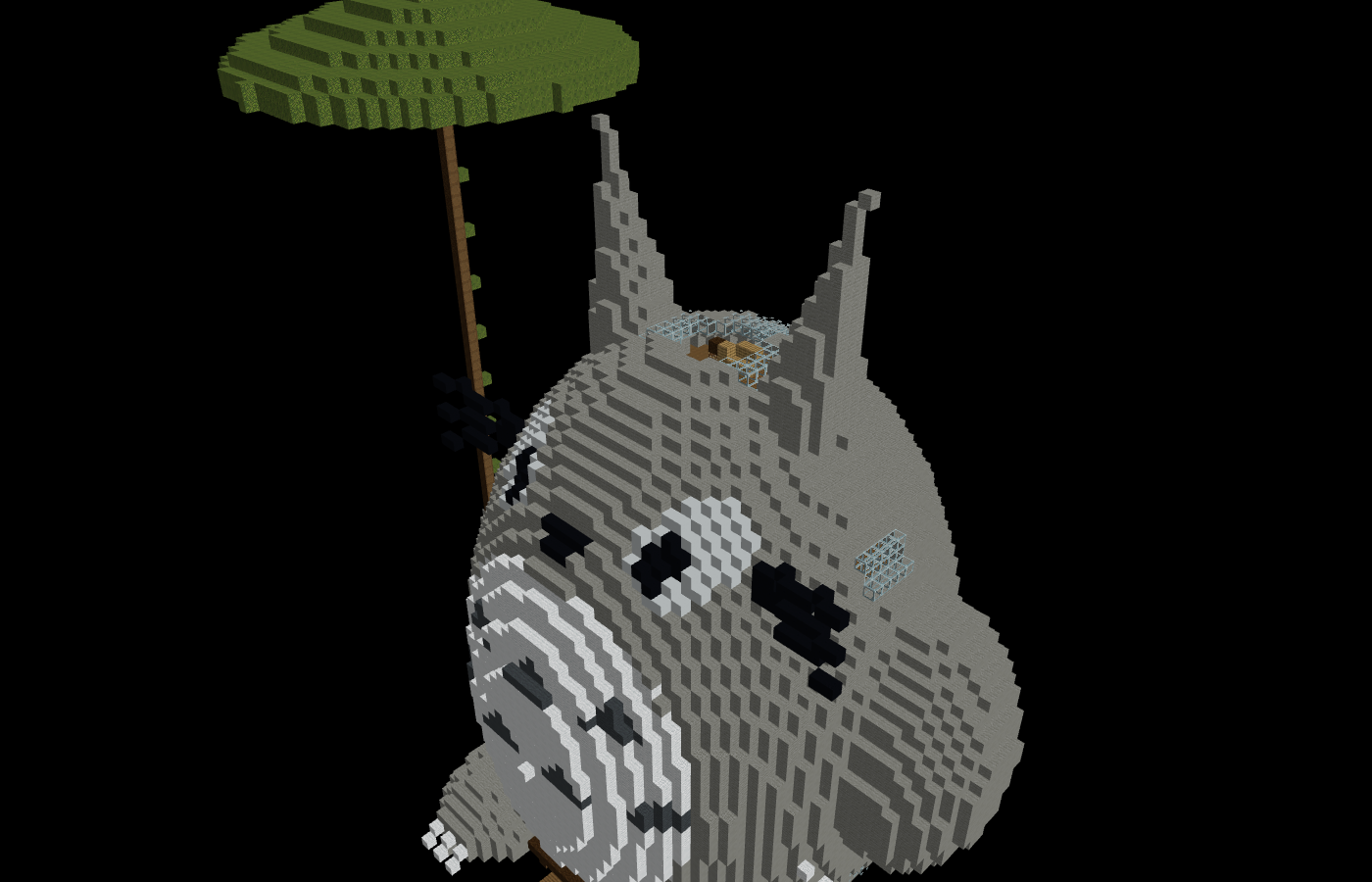
Giant Totoro
Giant Totoro from the anime that you can live inside
25,494 blocks
72 × 75 × 57
11 materials
Prompt to WorldEdit
Describe it in plain English. Get a downloadable .schem with a
browser-based 3D preview, ready to place with WorldEdit.
Your builds stay private by default. Sign in or create an account when you are ready to generate.
Try a cliffside keep, a sky fortress, or a compact redstone workshop.
.schemGallery
8 public builds · 934,625 placed blocks · 8 downloads ready.
Giant Totoro from the anime that you can live inside
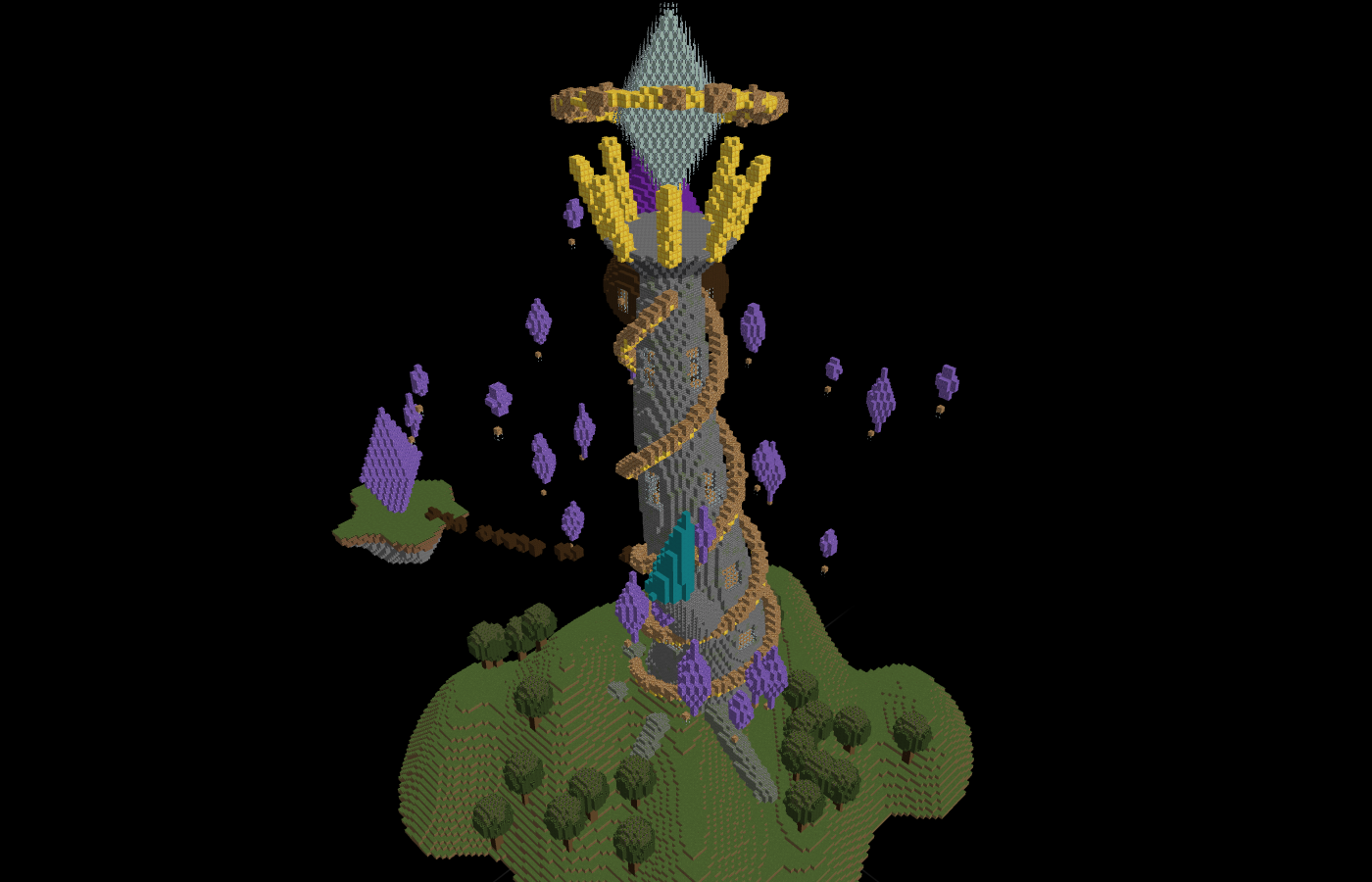
An asymmetrical magical mage tower with bright lights on a hill
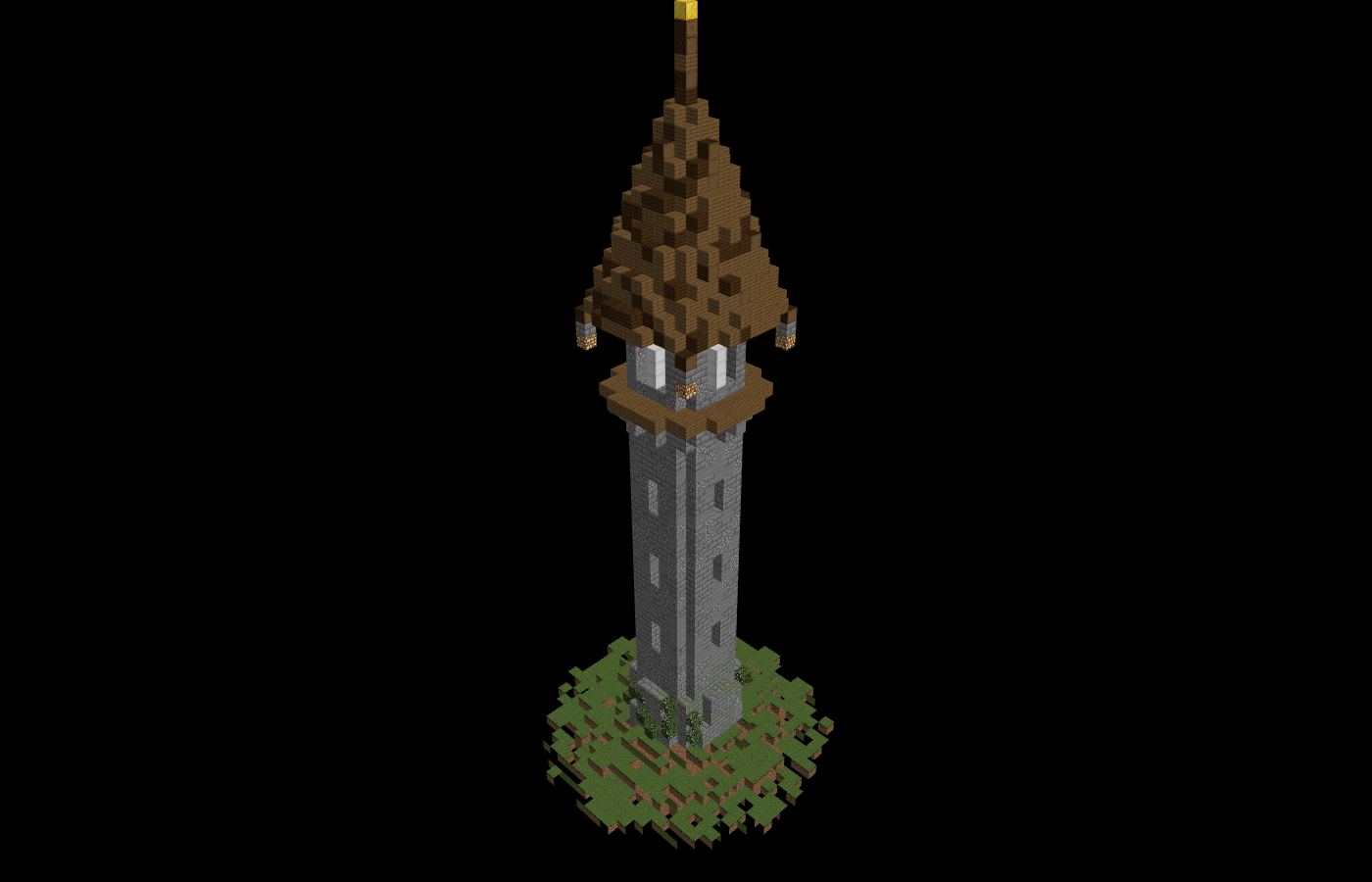
A compact stone watchtower with lanterns and a spruce roof
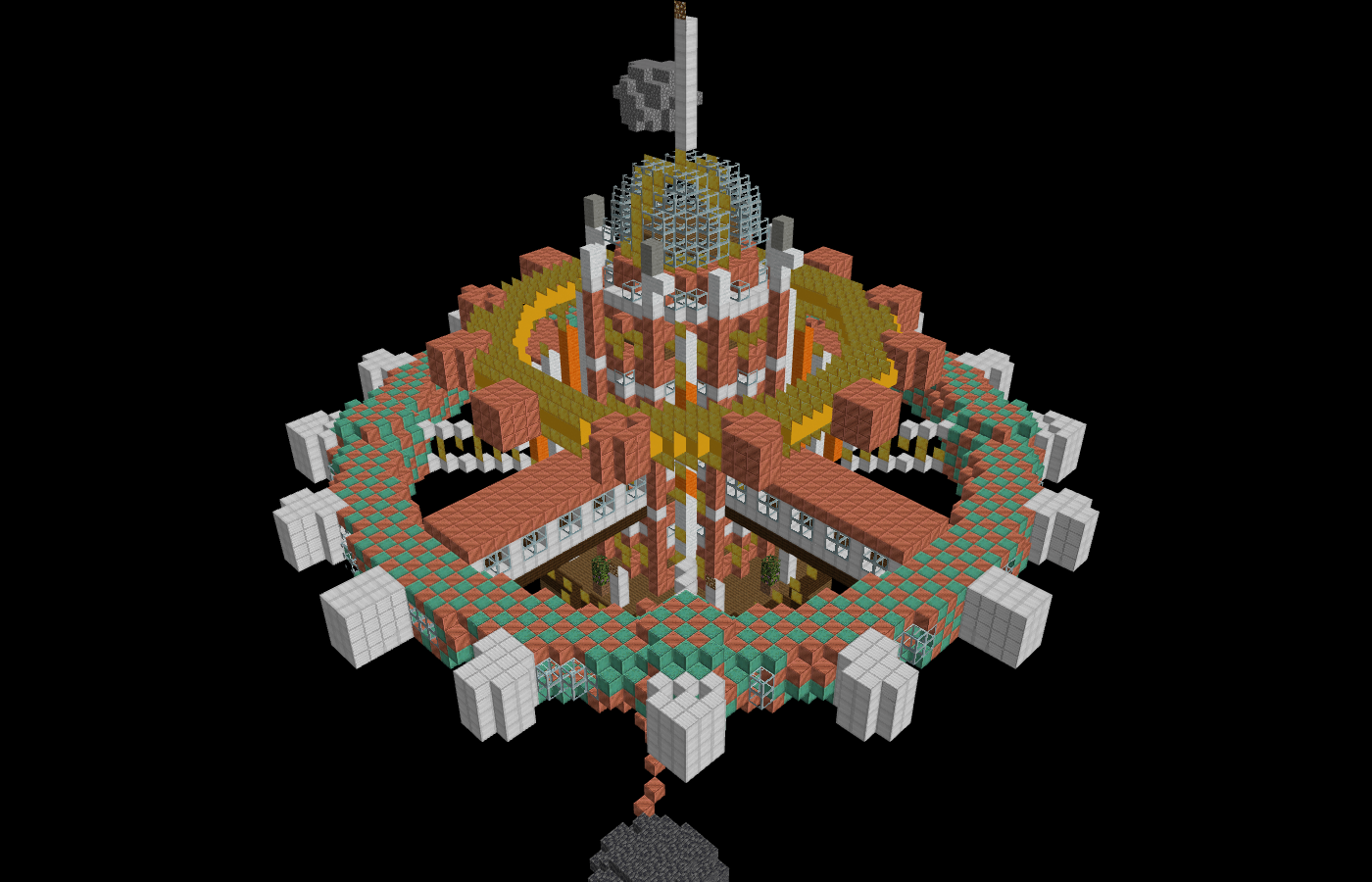
A futuristic space station in the style of Steampunk
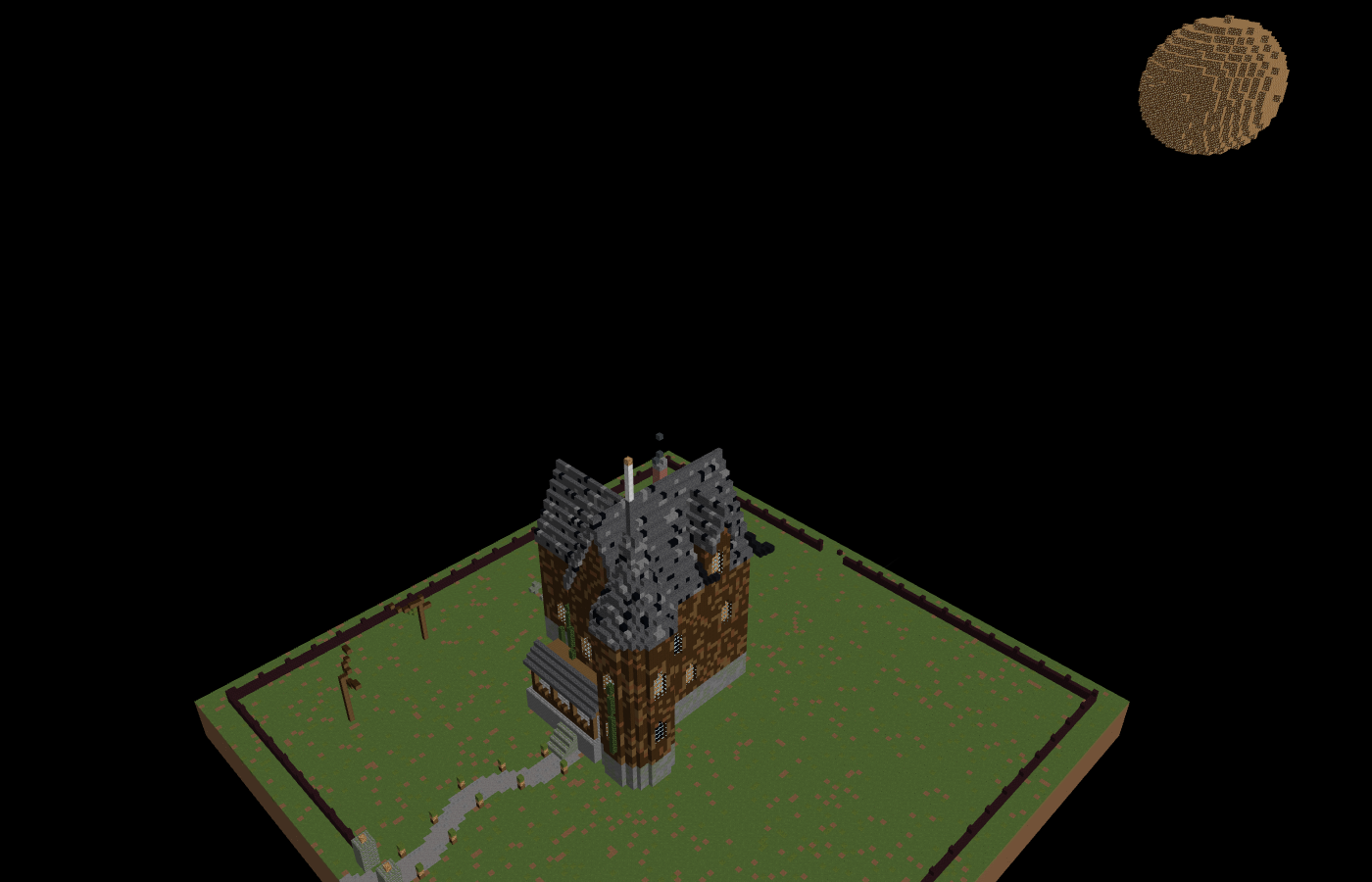
A haunted house in an old Victorian style
Sign In
Use an account to keep jobs, downloads, and future dashboard tools tied to you. Verify your email before generating builds.
Signed In
Your account is connected and this browser can now submit generation jobs.